DOWNLOAD & UNZIP
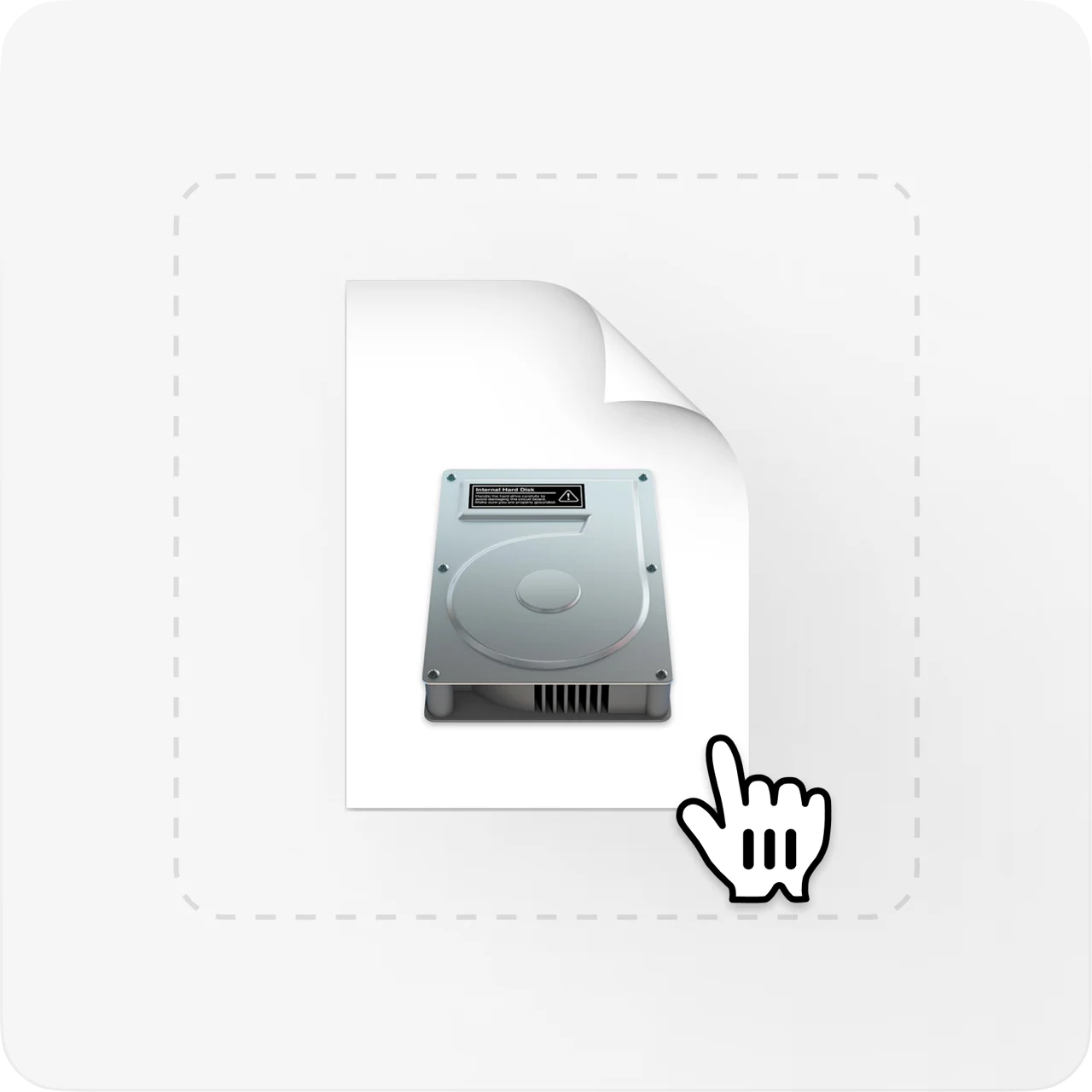
Download the Ibda macOS package and extract the ZIP. The installer is inside.

79 styles. Editable native graphics. Made for your Premiere timeline.
From a clean movie subtitle to a word that pops.
79 styles, ready for your next timeline.
Ibda puts captions on separate graphic layers in your timeline. Change the words, styling or timing without touching your footage.
Explore plans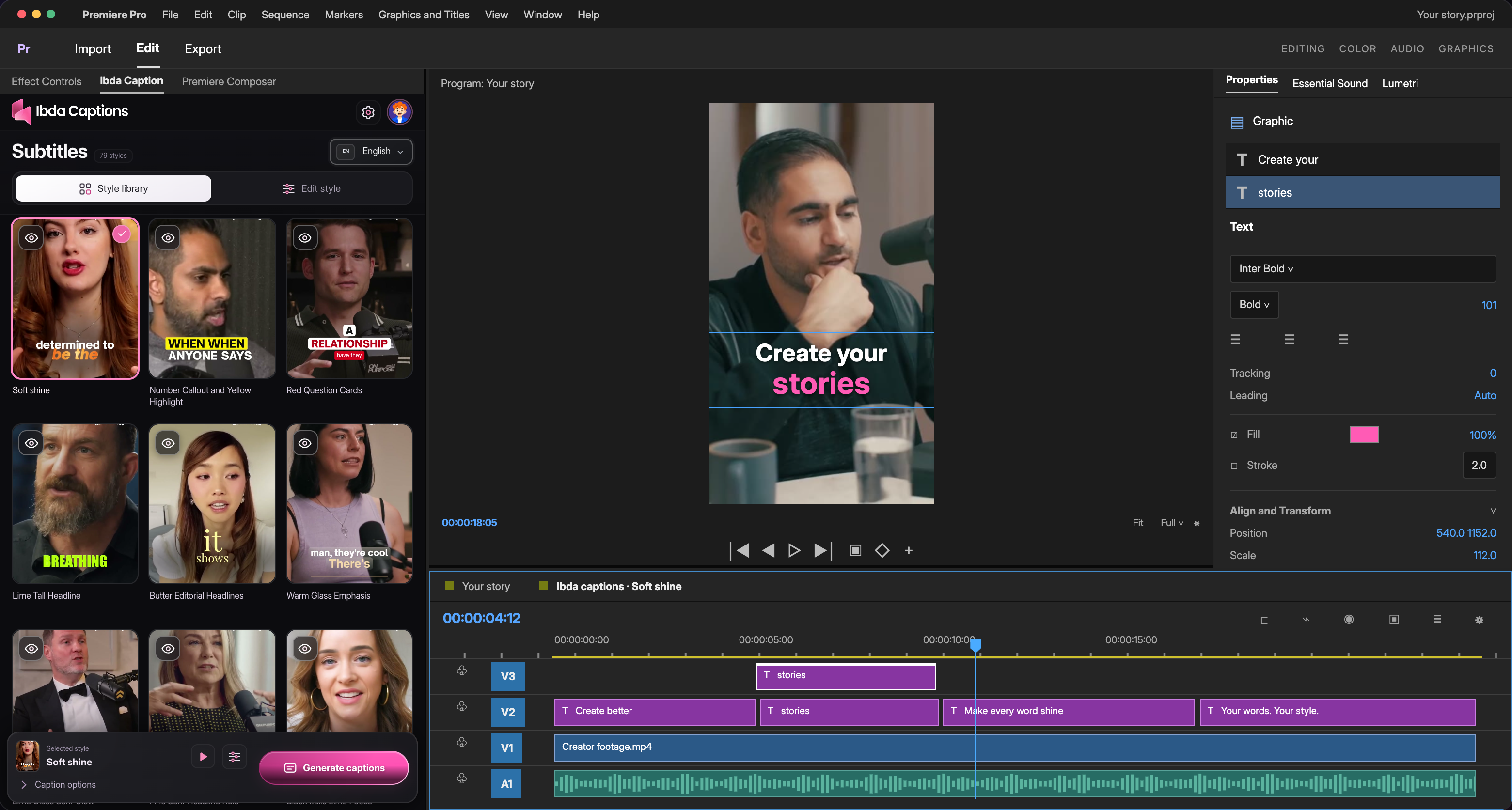
Download the Ibda macOS package and extract the ZIP. The installer is inside.
Quit Premiere, then open “Install Ibda Caption.command” and follow the prompts.
Restart Premiere Pro 2026, then go to Window → Extensions → Ibda Caption.
Setup shown for the current macOS preview. Public downloads are coming soon.
Clear answers about compatibility, editing and getting started with Ibda.
Still have a question?Ibda is being built first for Adobe Premiere Pro. The current reviewed build targets Premiere Pro 2026 on macOS, and public downloads are not live yet. After Effects, DaVinci Resolve and Final Cut Pro are future targets. CapCut support is planned through subtitle import; a native CapCut plugin is not confirmed.
Yes. Captions are editable native Premiere graphics. Adjust the wording, placement, size, colours and line spacing in your edit.
Caption layouts follow portrait, landscape, square and custom sequence dimensions, including 720p, Full HD and 4K. Review the final placement before exporting.
The upcoming cloud plans handle processing through Ibda. You will sign in to your Ibda account and use your included credits. The cloud connection is being prepared for the next extension release.
Captioning costs 2,000 credits for every minute of audio, charged by the second, so a part-minute is not rounded up to a whole one. Translation is included. Monthly allowances reset each month, including on annual plans. Reprocessing audio uses credits again; local style edits do not.
You can explore the website and previews now. Accounts and payments open once the cloud-enabled extension and payment setup are ready.
Made for Premiere. Made to stay editable.